
Term Deposit

Grow your savings with Sharia compliant Term Deposit offering high returns over a fixed period.

Money illustration representing finance or payments.

Flexible deposit tenors

Payment card surrounded by icons representing shopping, travel, and digital services.

Low minimum balance requirement

Money illustration representing finance or payments.

Available in multiple currencies

Account details

  • 24x7 Digital access: Open and manage your Term Deposit anytime via QIB Mobile App.
  • Expected profit: Earn high returns with secure, Sharia compliant deposits. View details here.
  • Flexible terms: Choose from 1 month to 5 years to match your goals.
  • Multiple currency availability: Start with a minimum of QAR 10,000 or equivalent in USD, EUR or GBP.
  • Financing facility: Get financing or credit cards backed by your fixed term deposit - keep earning profits while meeting urgent needs.
  • Profit payouts: Enjoy quarterly profit payouts for better cash flow

Conditions

  • Open to all age groups.
  • Minors can open a Term Deposit through a legal custodian.
  • Minimum deposit: QAR 10,000

Breaking the Deposit

  • Partial or full withdrawal of your deposit before the end of term is possible after the reconciliation of returns already distributed during the year.
  • The deposit may be broken after receiving a written request.
  • In case of partial redemption, the withdrawn amount will be credited to your account and at the same time a new deposit is made with the remaining balance upon the same terms as the initial deposit.

Renewal

  • If we do not receive instructions to credit the deposit amount to your account at least three days before the expiry of the deposit term, the deposit will be automatically renewed for a similar period under the same terms and conditions.

  • If you don’t have an account with QIB already, you need to first open a Current, Saving or Misk Account. Once an account is opened, you can easily login to QIB Mobile App and open a Term Deposit.
  • If you are an existing QIB Customer, simply login to QIB Mobile App and go to Apply for Products to open a new Fixed Term Deposit

    Or,

    Click on apply now to open a Term Deposit and our direct sales team will contact you.

Open a Term Deposit in 4 easy steps
  • Step 1
    Open an Account
    QIB Mobile App on a smartphone
    Step 1

    Download the QIB Mobile App to open Current, Savings or Misk Account. Follow the guided steps to complete your account setup.

  • Step 2
    Open a new Term Deposit
    Mobile app screen displaying available deposit products and options to open a new term deposit.
    Step 2

    Tap 'More' on the footer menu. Select 'Apply for Products.' Choose ‘New Deposit’ under 'Account Products'.

  • Step 3
    Set the deposit amount
    Mobile app screen for entering the deposit amount, showing a value field and deposit details before confirmation.
    Step 3

    Choose ‘Term Deposit’. Select deposit term, currency, Debit Account, and set the monthly amount you would like to save.

  • Step 4
    Confirm & activate
    Mobile app confirmation screen summarizing deposit information with a button to confirm and activate the deposit.
    Step 4

    Review all details carefully. Accept the Terms & Conditions. Confirm details to open a Term Deposit account.

  • Step 1
    Mobile banking app screen showing the option to open a QIB account with action buttons and a promotional banner.
    Step 1

    Tap 'More' on the footer menu. Select 'Apply for Products'.

  • Step 2
    Mobile app screen displaying available deposit products and options to open a new term deposit.
    Step 2

    Tap ‘New Deposit’ under 'Account Products.' Choose ‘Fixed Term Deposit’. Select deposit term and currency.

  • Step 3
    Mobile app screen for entering the deposit amount, showing a value field and deposit details before confirmation.
    Step 3

    Choose the Debit Account. Set the monthly amount you would like to save.

  • Step 4
    Mobile app confirmation screen summarizing deposit information with a button to confirm and activate the deposit.
    Step 4

    Review all details carefully. Accept the Terms & Conditions. Confirm to open the Term Deposit.

Learn More
Alternative accounts

$name

Special Deposit

Benefits:

  • CheckCircle Attractive profit payout
  • CheckCircle Multiple tenor options
  • CheckCircle Open to all ages

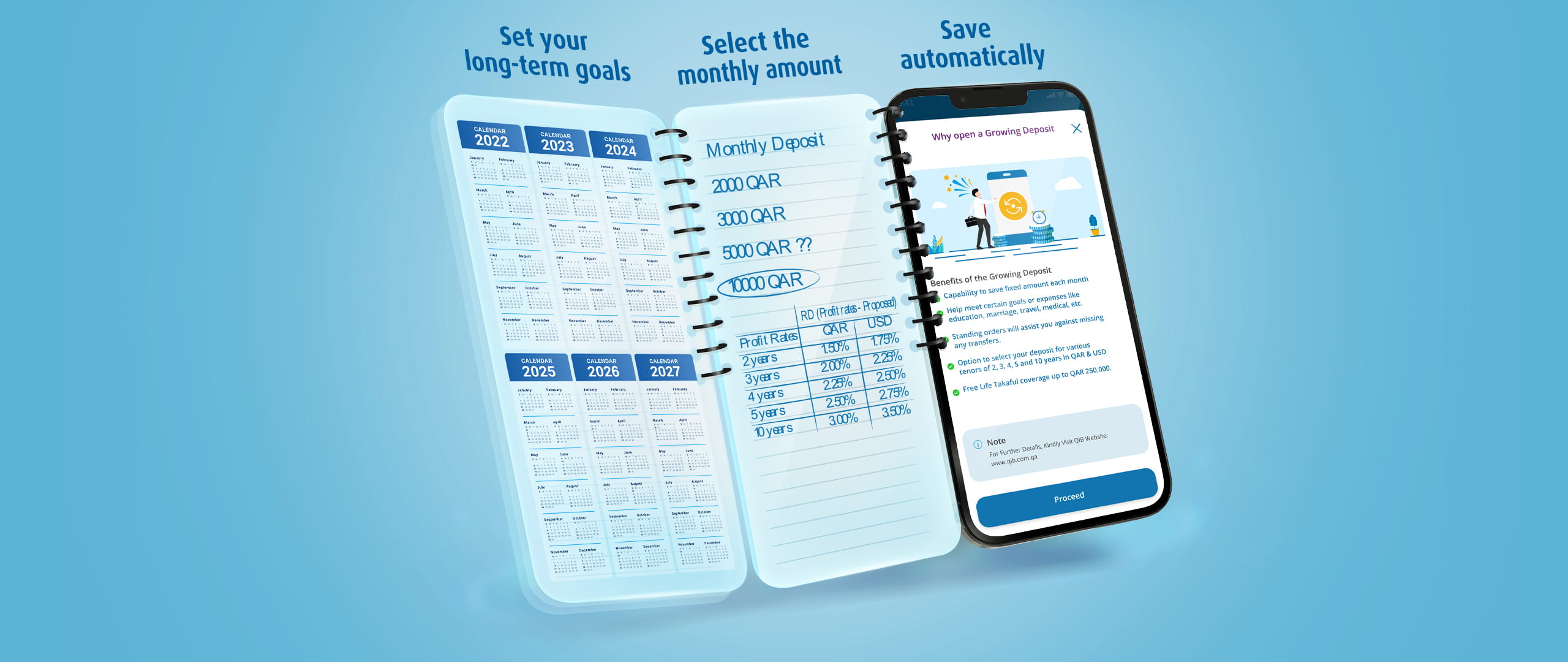
Growing Deposit

Benefits:

  • CheckCircle Competitive expected profit rates
  • CheckCircle Supports long-term savings goals
  • CheckCircle Available in multiple currencies

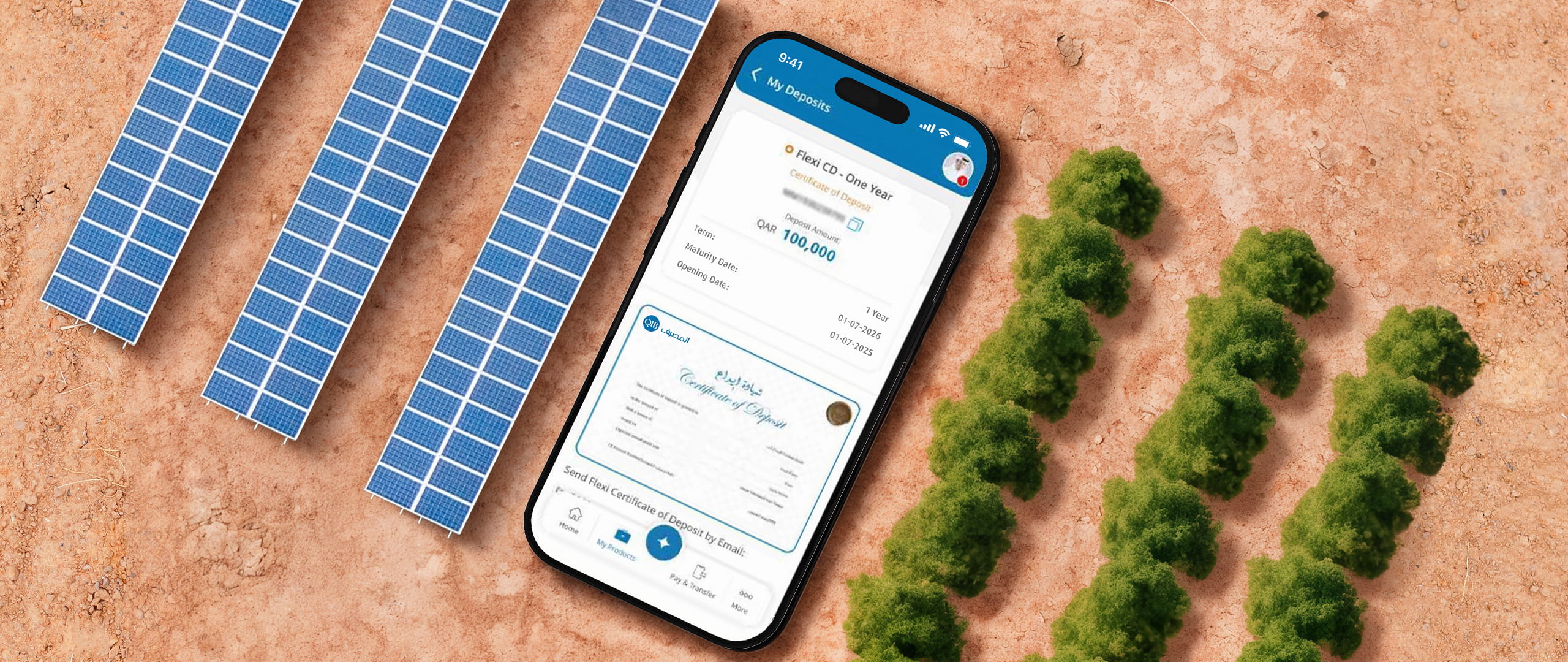
Flexi Certificate of Deposit

Benefits:

  • CheckCircle Competitive expected profit rates
  • CheckCircle Available in multiple currencies
  • CheckCircle Partial redemption allowed

Protect yourself from fraud

Your security is our top priority. Learn how to spot scams and protect your personal information with simple tips that help you bank with confidence. 

Keyhole icon representing access, privacy, or security concept.

Private information

Keep your info private: Never share passwords, PINs, or OTPs.

Shield icon with slash representing disabled protection or blocked security.

Recognize spam

Spot suspicious messages: Ignore unexpected emails, calls, or links asking for sensitive details.

Seal icon with question mark representing verification or inquiry.

Verify contact

Confirm before you share: Always verify the identity of the person or organization before responding.

Frequently asked questions

Term Deposit, also known as Fixed Deposit, is an account where you can park a lump sum amount for a specific term and earn profits.

You can access your Term Deposit account via the QIB Mobile App.

You can choose the currency of your choice only while applying for a fixed Term Deposit.

Fixed deposit term rates vary according to term. View details here.

Yes, you can open multiple Term Deposits with different term/currency options.

You can hold a minimum of QAR 10,000.

Yes. If no redemption request is submitted, your Term Deposit will automatically renew for the same term under the same conditions.