


Digital Wallets
Connect your QIB cards and pay instantly and securely, across Qatar and beyond.
Connect your QIB cards and pay instantly and securely, across Qatar and beyond.

Discover a wide range of seamless and secure Digital Wallets.
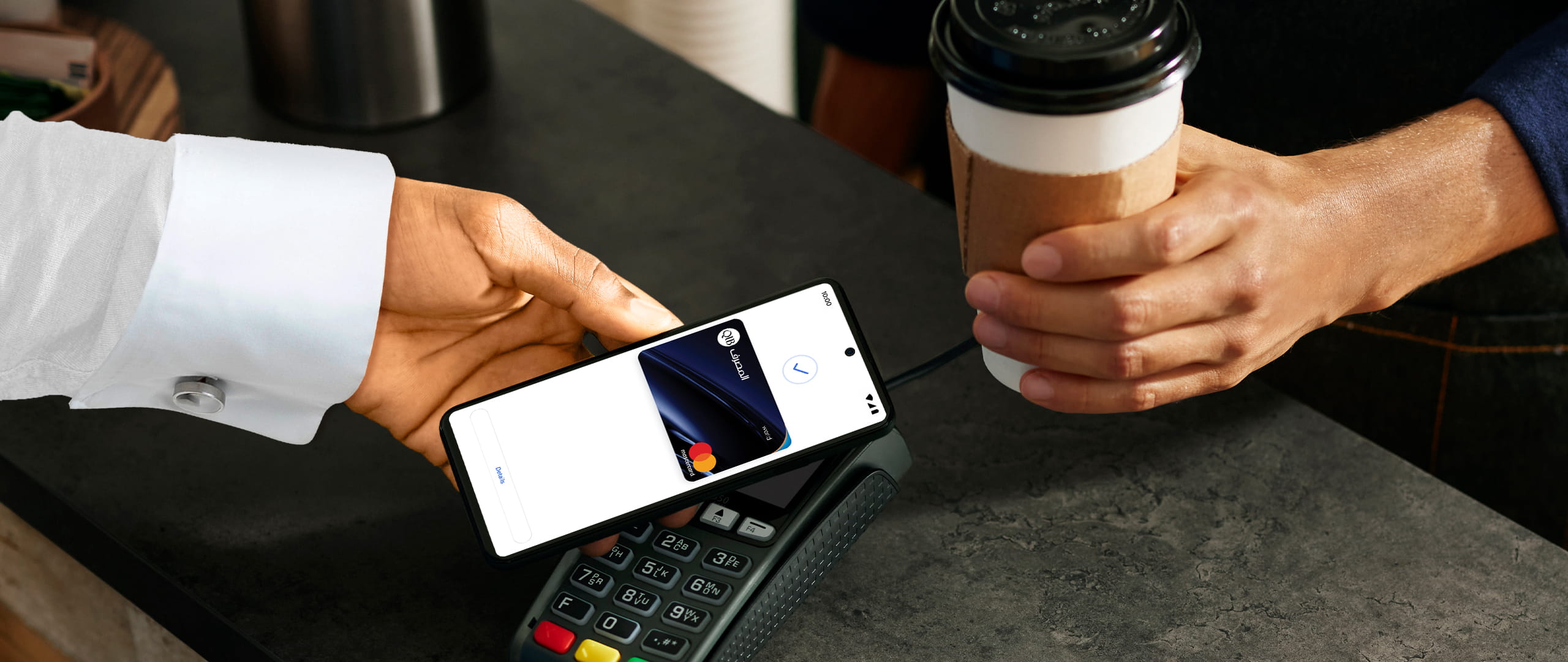
Use your QIB Debit and Credit Cards to make fast, simple, and secure contactless payments in stores and online with Google Pay!

Pay faster and safer with Apple Pay. Just add your QIB card to Apple Wallet and start making secure, contactless payments – anytime, anywhere.
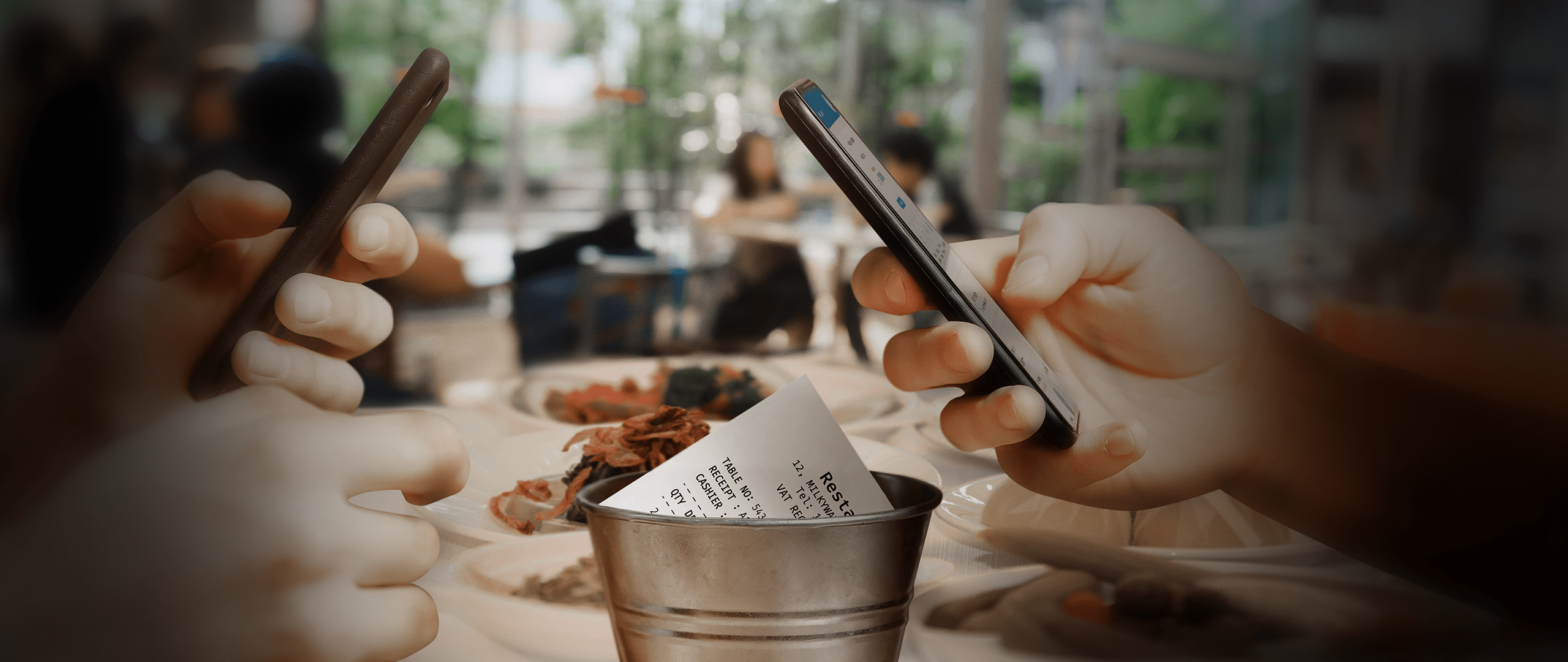
Simplify your transactions with mPay powered by QMP, QCB’s dedicated mobile payment solution.
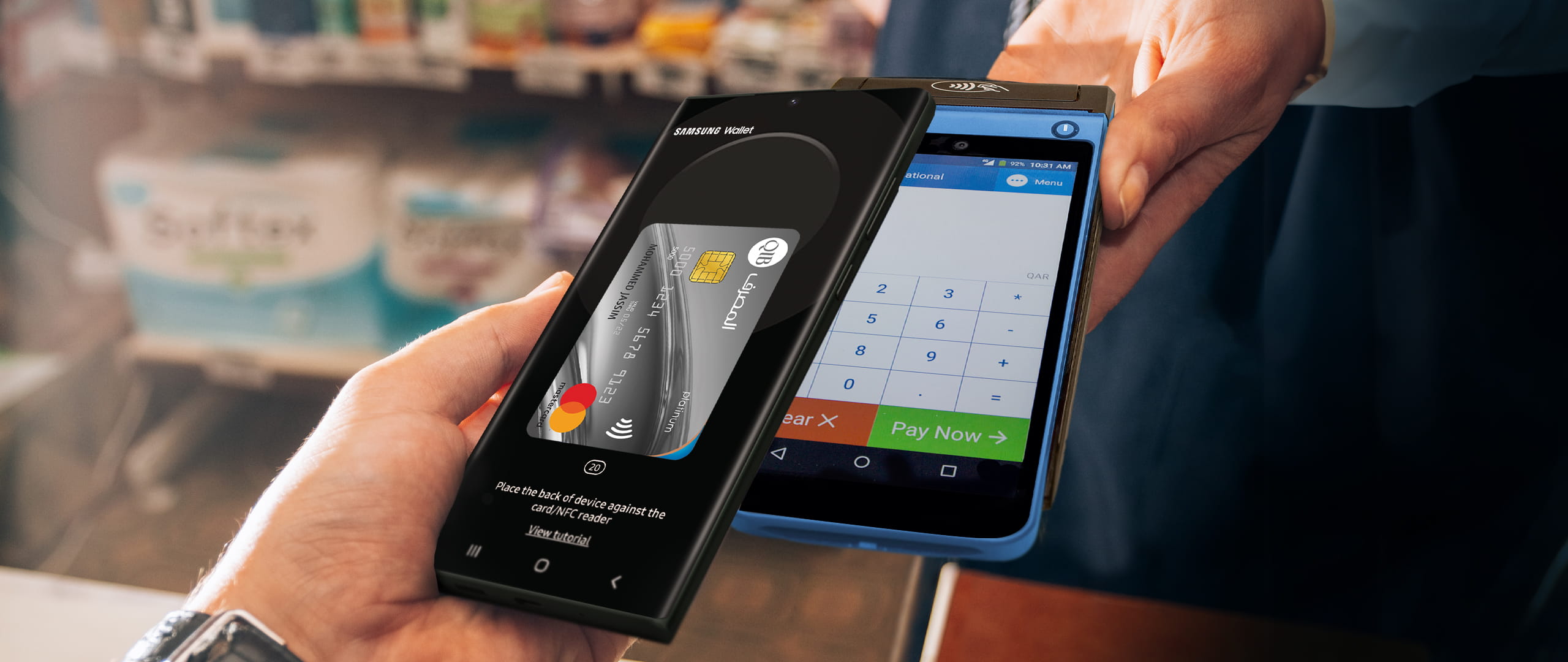
Transform your Samsung device into a Digital Wallet. Add your QIB card to Samsung Wallet for instant, secure tap-and-go payments, anywhere, anytime.


Login to QIB Mobile App to add your card to Apple Pay, Google Pay, Samsung Wallet, or mPay.

Tap "Add Card to Wallet" and next, accept the terms and conditions and select if you want to set it as preferred payment card and you are all set.

Check all the information of the card you selected to add to the wallet and confirm

Complete verification via SMS or app notification and start making secure, contactless payments instantly.
Expert guidance tailored to fulfil your banking needs with ease


 Adjust Preferences