


QIB Cards
Discover QIB’s wide range of the best Credit, Debit, and Prepaid Cards designed to fit your lifestyle, offering convenience, rewards and peace of mind.
Discover QIB’s wide range of the best Credit, Debit, and Prepaid Cards designed to fit your lifestyle, offering convenience, rewards and peace of mind.

Discover the right card for your lifestyle!
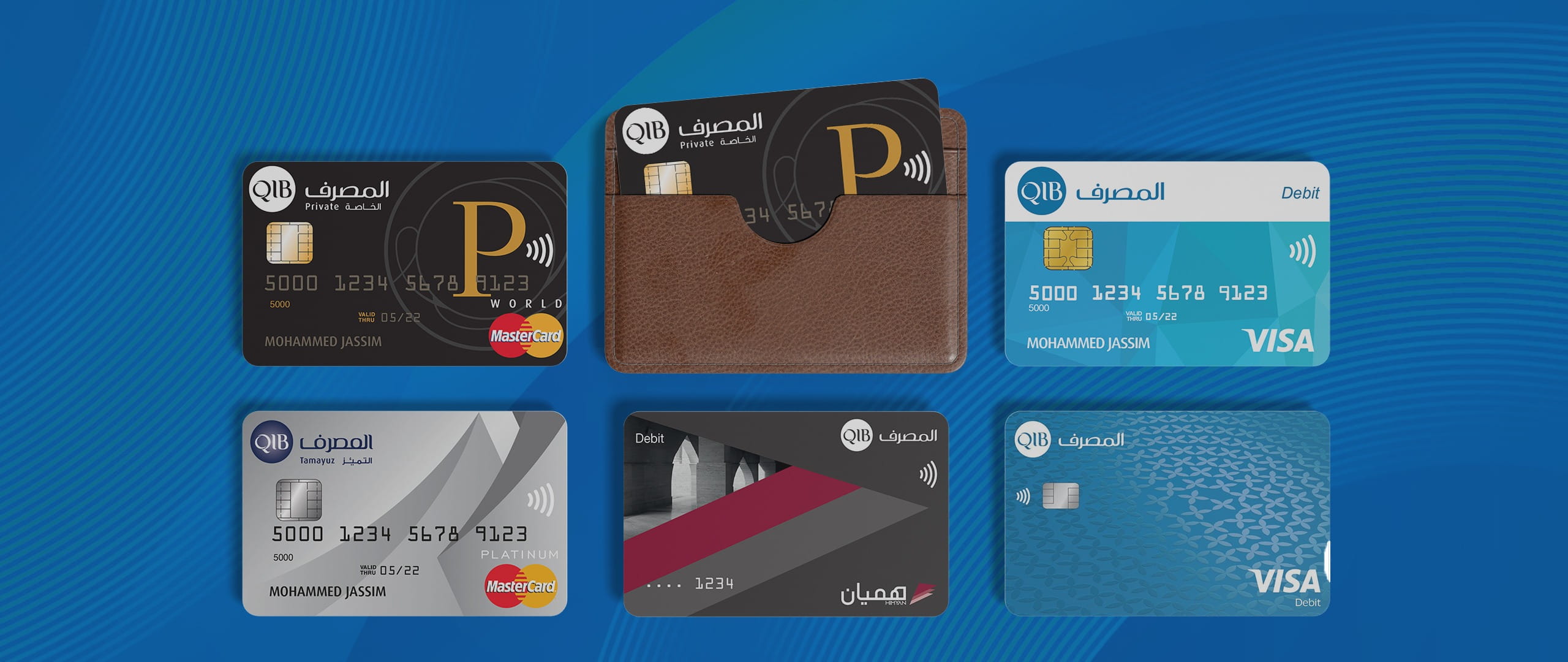
Make everyday payments easy with QIB Debit Cards. Enjoy secure, Shari’a-compliant banking, earn rewards, and unlock a plethora of lifestyle perks.
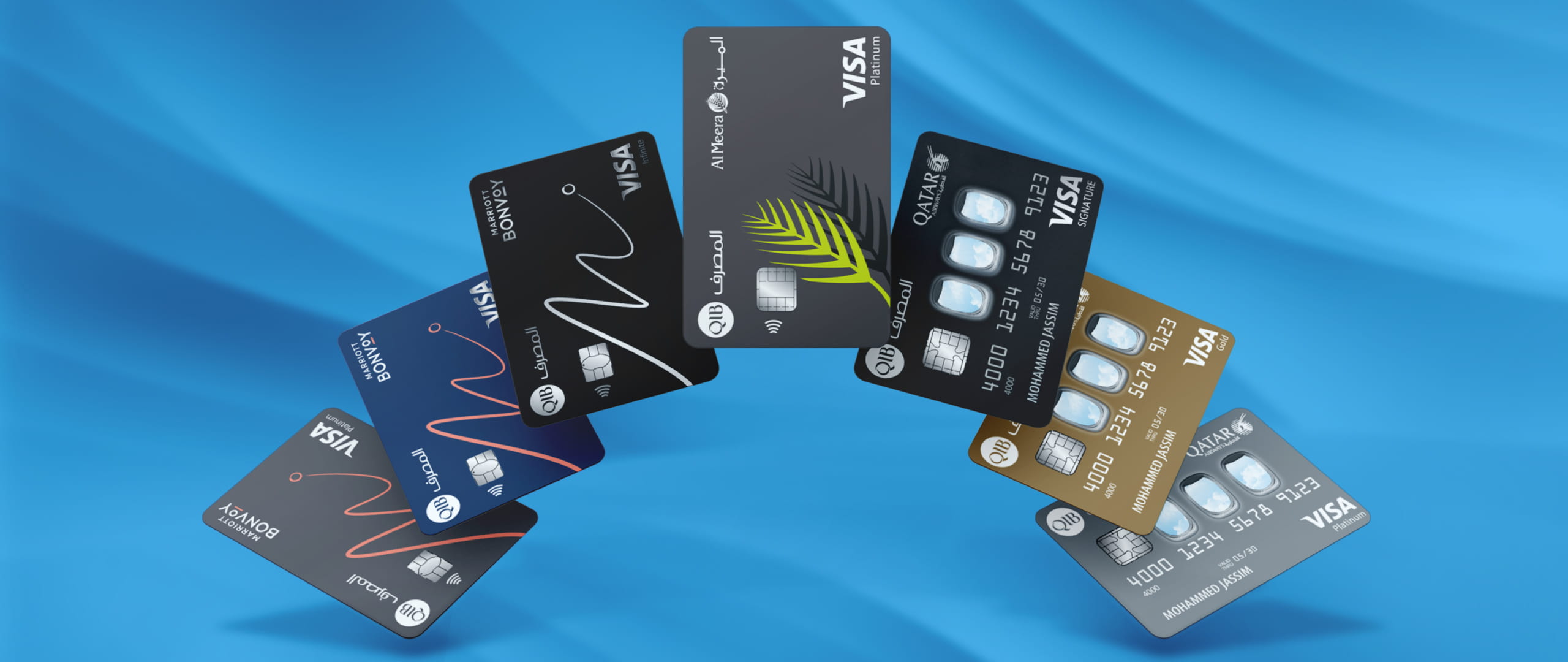
Enjoy exclusive rewards and loyalty benefits with QIB Co-branded Cards, powered by partnerships with Qatar Airways, Marriott Bonvoy, and Al Meera.
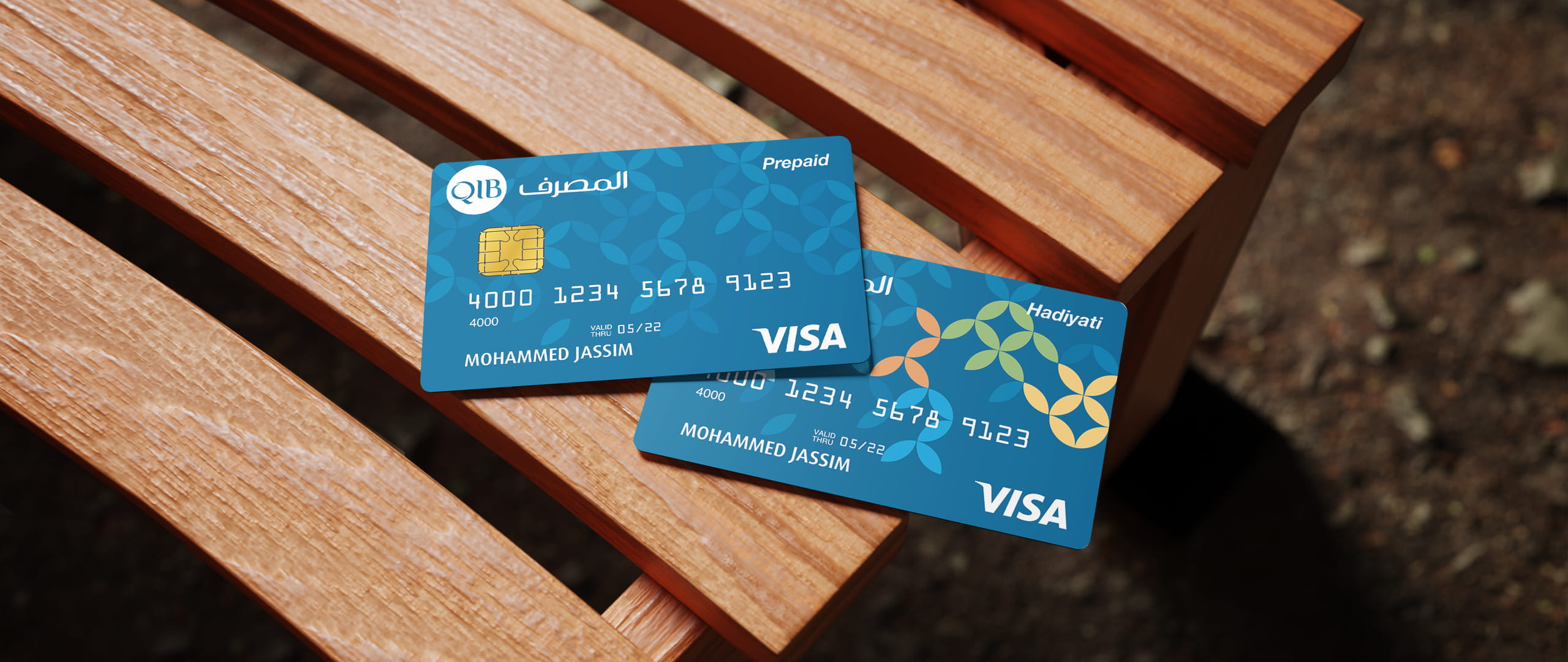
Experience the freedom of cashless payments with our online Prepaid Card solutions - easy to get, simple to use, and tailored for your lifestyle.
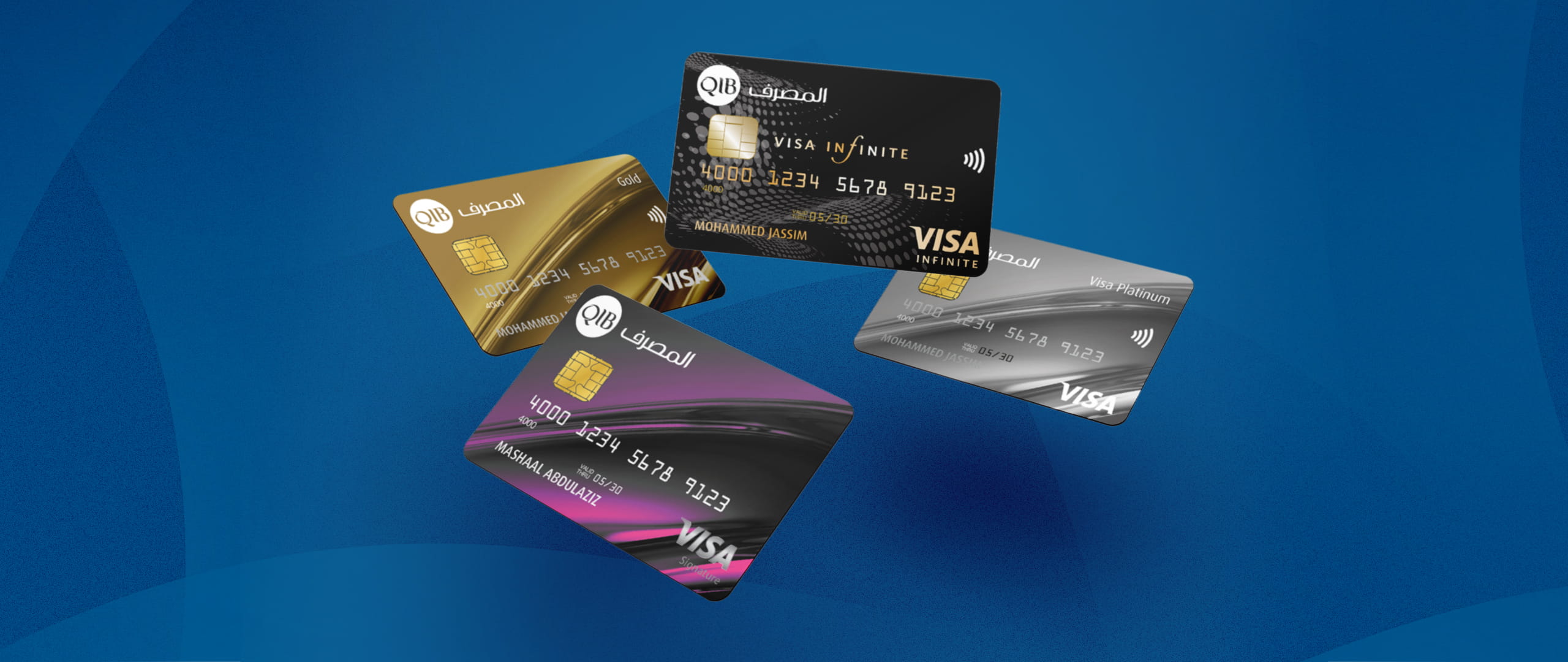
Enjoy loyalty rewards, and lifestyle perks with QIB's best Credit Cards - accepted globally and instantly accessible via the QIB Mobile App!
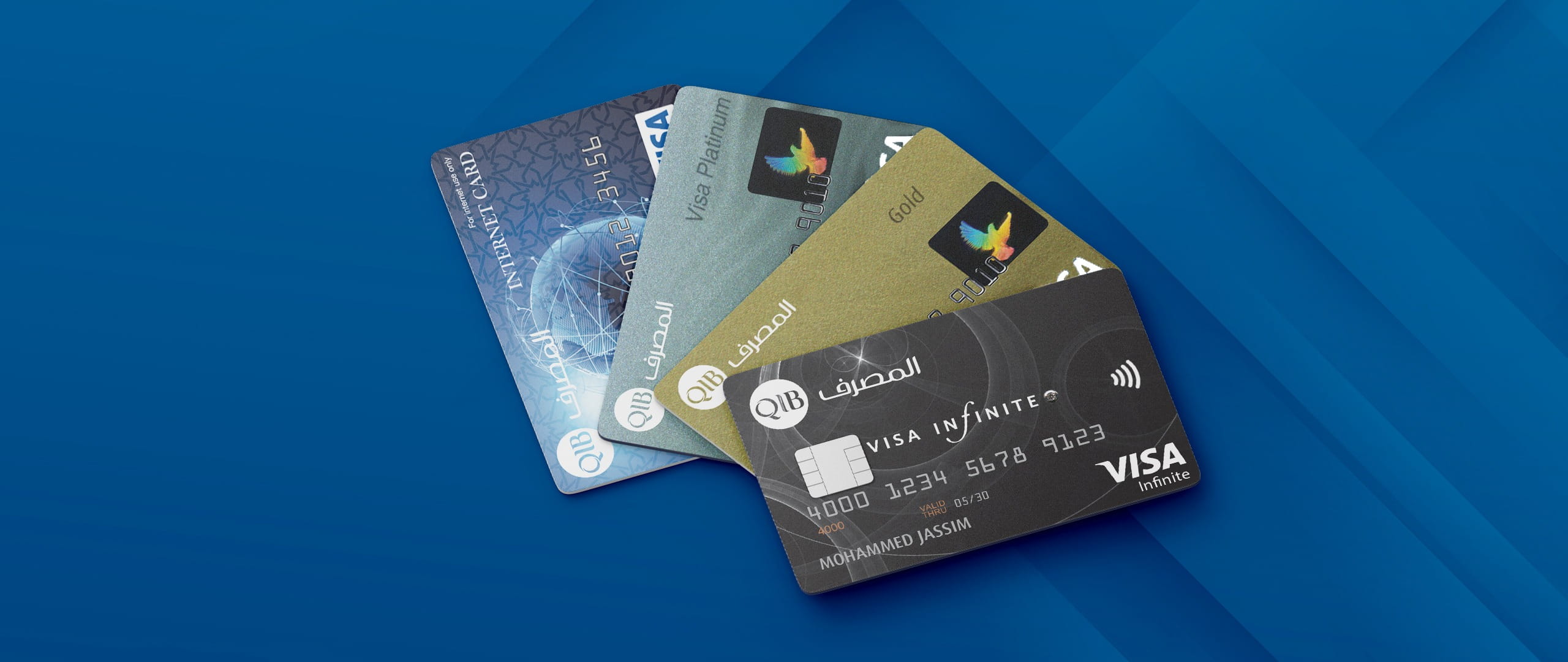
Get freedom from cash and enjoy card convenience and fraud protection. Set spending limits, track every purchase, and pay securely anywhere.


Install the QIB Mobile App from your phone’s app store to begin your Credit Card application process.

Use the app to open a QIB account by submitting your personal details and verifying your identity digitally.

Once onboarded, select your preferred Credit Card from the available options in the app.

Confirm your details, submit the request, and receive your card via delivery or QIB service centre.

Download and open the QIB Mobile App, then login using your Debit Card details or existing credentials securely.
Go to 'More' or 'Apply for Products' section in the app and select your desired Prepaid Card from the available options.
Enter your personal information, confirm your QID, and choose your preferred card settings before submitting the application.
Review all details, submit the request, and wait for confirmation. Your Prepaid Card will be issued free of charge.
.png?h=243&iar=0&w=432&rev=48ff91b96eb8444d8d493d7ffb8f9ba7&extension=webp%2cavif&hash=DEC48567568D7B819ADEBCE393C72D20)


Expert guidance tailored to fulfil your banking needs with ease


 Adjust Preferences